
Lost your phone? Passkey recovery depends on where it is stored
A lost device is not always a lost account, but recovery works only if another trusted path already exists.
Evergreen security guide; FIDO Alliance and Google Account guidance rechecked September 20, 2026.
In this article
First identify what was actually lost
A passkey is not a reusable password stored as readable text. It uses a cryptographic credential and asks you to unlock an approved device or credential provider. The fingerprint, face scan or device PIN normally unlocks the credential locally; the biometric itself is not sent to the website. FIDO Alliance passkey overview.
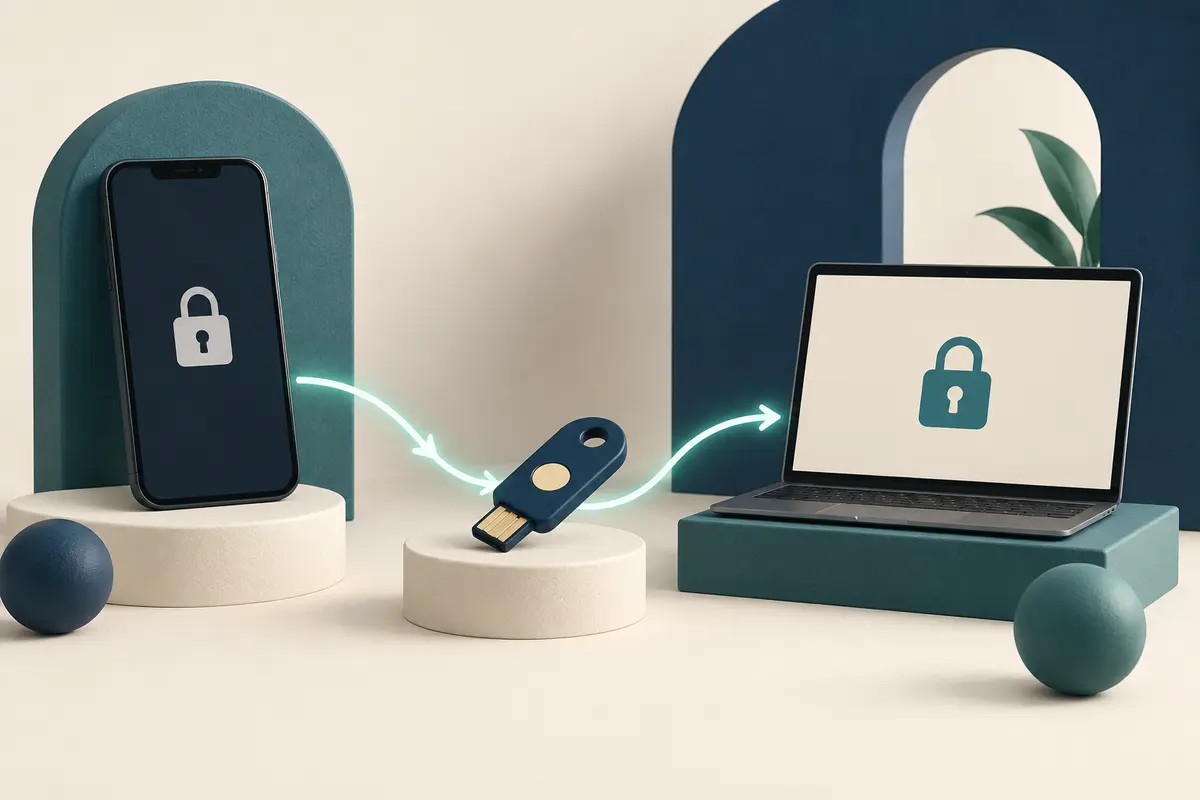
The important recovery question is not simply “Was the passkey on my phone?” It is “Was it synced to another device or stored only in hardware I no longer control?” A synced passkey can be available through the same provider on another trusted device. A device-bound passkey or hardware security key requires that particular authenticator, unless the account offers another route.
Separate account recovery from passkey recovery
| Layer | Question | Possible fallback |
|---|---|---|
| Credential access | Can another signed-in device or the same credential provider unlock the passkey? | A second trusted device or a separate hardware security key |
| Website account | Will the service accept another sign-in or recovery factor? | Password, recovery contact, recovery code or provider-specific process |
These layers are related but not interchangeable. Regaining a phone-platform account does not guarantee that every third-party passkey is restored. Conversely, losing one local passkey does not prove that the website account is unrecoverable.
Use Google as an example, not a universal rule
Google says adding a passkey does not remove existing authentication or recovery factors from a Google Account. Its current help page also lets a signed-in user remove a passkey associated with a lost device and offers “Try another way” when another sign-in choice is available. Google Account passkey help.
That is Google’s account flow, not a promise about every bank, store or workplace system. Some services keep a password fallback; others use recovery codes, help-desk verification or no equivalent fallback. A work or school account may also be controlled by an administrator. Check the service’s own instructions before assuming that a familiar button will exist.
Build a recovery map before replacing your password
- List the important accounts where you created passkeys.
- For each account, record the credential provider and whether the passkey appears on a second device.
- Add at least one independent recovery method the service supports; do not keep the only recovery code on the same phone.
- Protect recovery email accounts and phone numbers, because they can become the weakest link.
- Test that you can reach the account’s recovery settings from a trusted device without deleting a working credential.
A second passkey can reduce dependence on one device, but only if it is stored through a different useful path. Two passkeys that both disappear with the same locked account or lost device do not create meaningful redundancy.
After a phone is lost, contain risk before cleaning up
- Use the phone platform’s official lost-device tools to mark, lock or erase the device when appropriate.
- From a trusted device, review active sessions and recent security activity on important accounts.
- Remove the lost device or its passkey from each account when the provider offers that control.
- Use the service’s documented recovery process if no synced passkey or alternate sign-in is available.
- Create a replacement passkey only after the new device and the account are secured.
A screen lock still matters: a passkey on a lost phone is protected by the device unlock, but someone who can unlock that device may be able to use it. Remote erasure, session review and passkey removal address different parts of the risk.
Know the limit of a general checklist
This guide explains common recovery branches, not a way to bypass device security or a provider’s identity checks. Recovery availability changes by account, passkey provider, device platform and organizational policy. Follow the official path for the exact service.
Do not delete your last working sign-in method merely to test recovery. If an account protects money, work systems or sensitive records, confirm its recovery options while access is healthy and follow the provider’s higher-security guidance.
Sources & dates
Sources checked September 20, 2026. Prepared with AI assistance. Read our editorial standards.

Comments
Loading comments…